Sync Clock
Analog clock
An analog clock over your favorite photo.
Choose from six clock faces and recolor the hands and markers. You can also hide the second hand.
- Widget
- Small
- Price
- $1.99 (US)
- Requires
- iOS 26.2 or later
Sync Widget
Sync Widget puts the photos you love on your iPhone Home Screen, together with a clock or a calendar — and can change them as the day goes on.
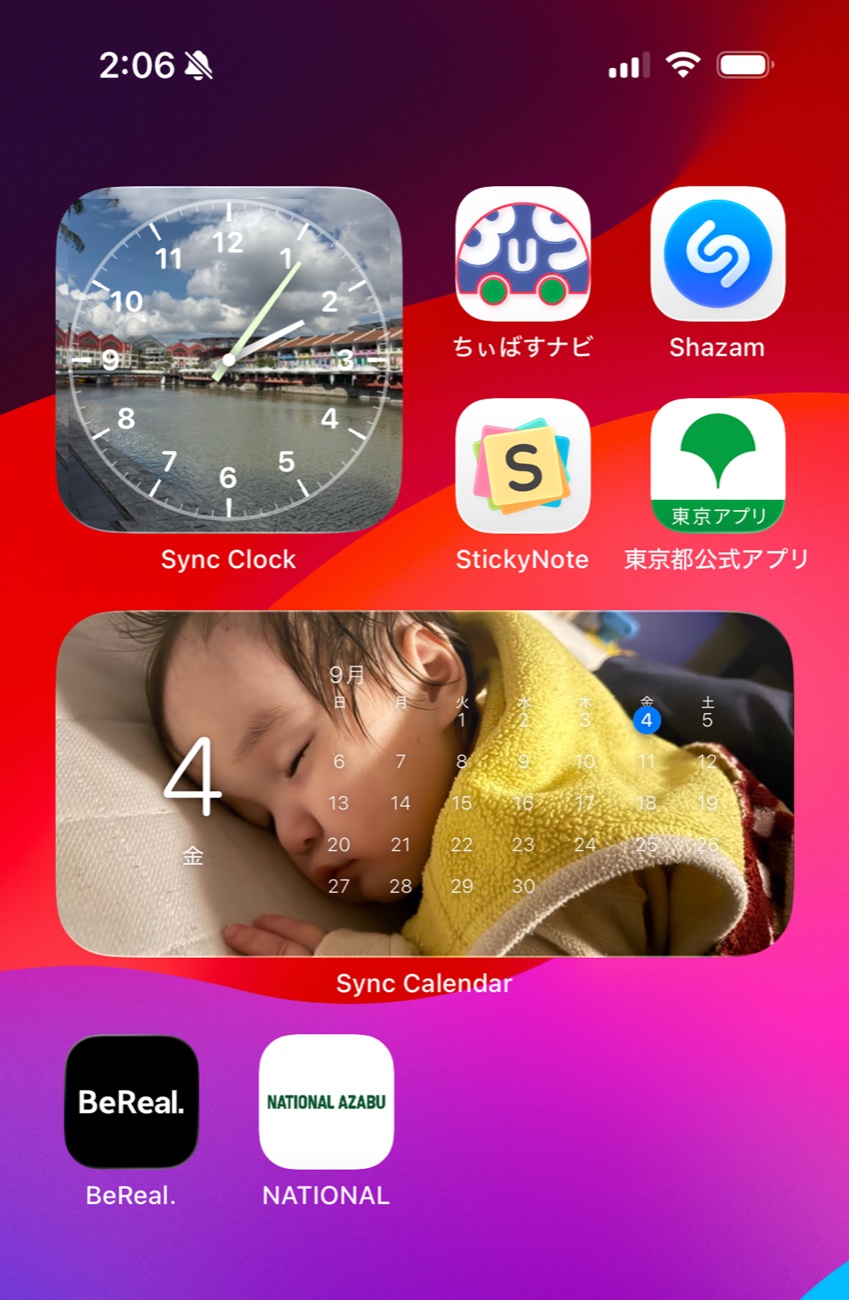
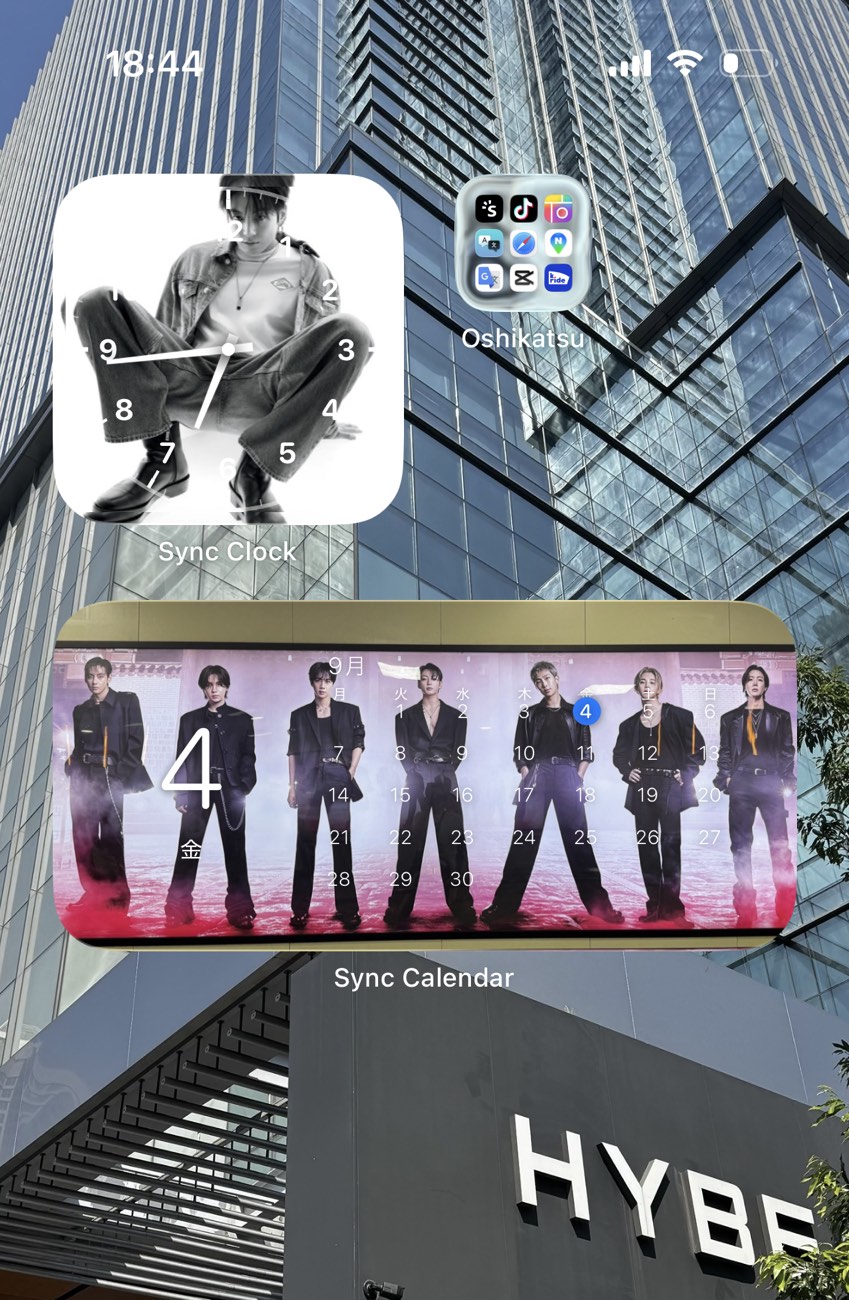
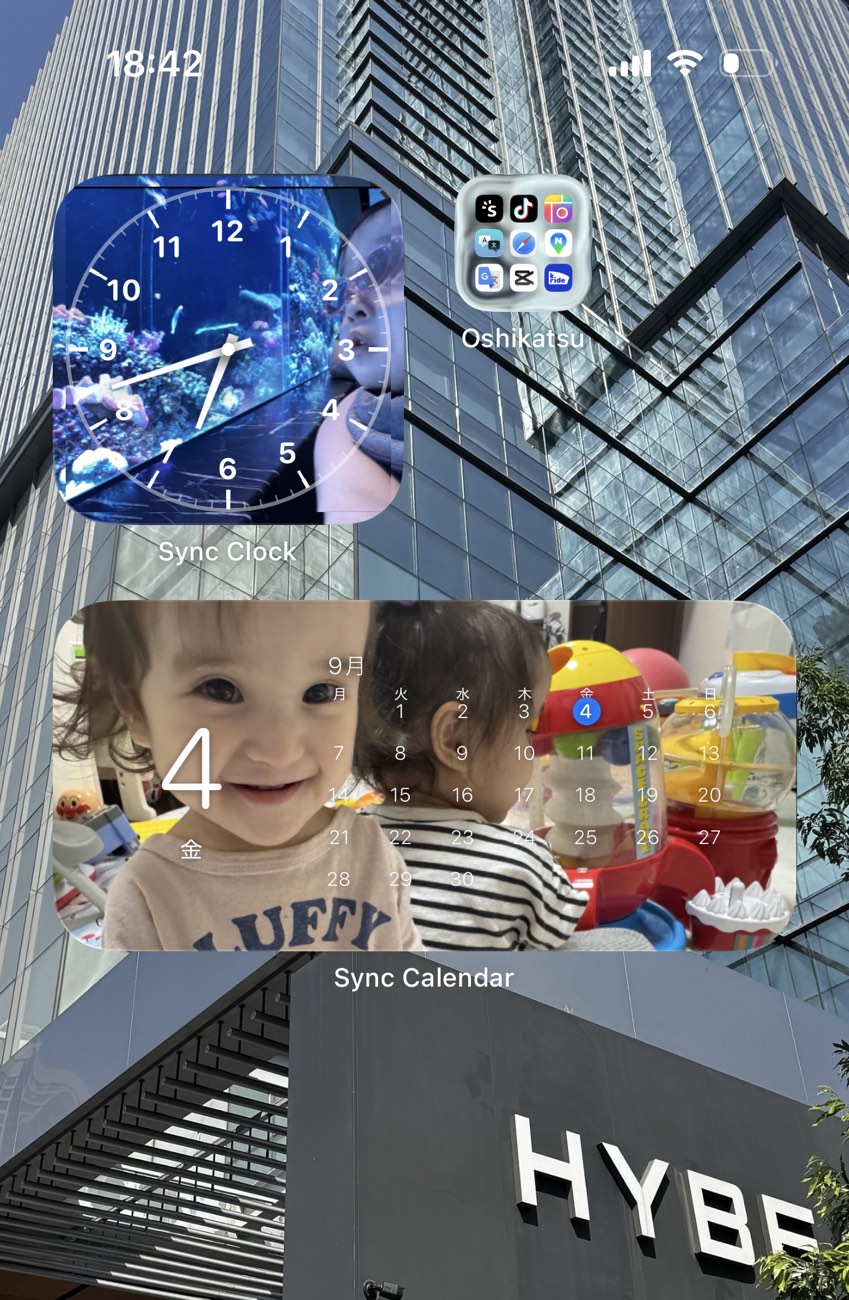
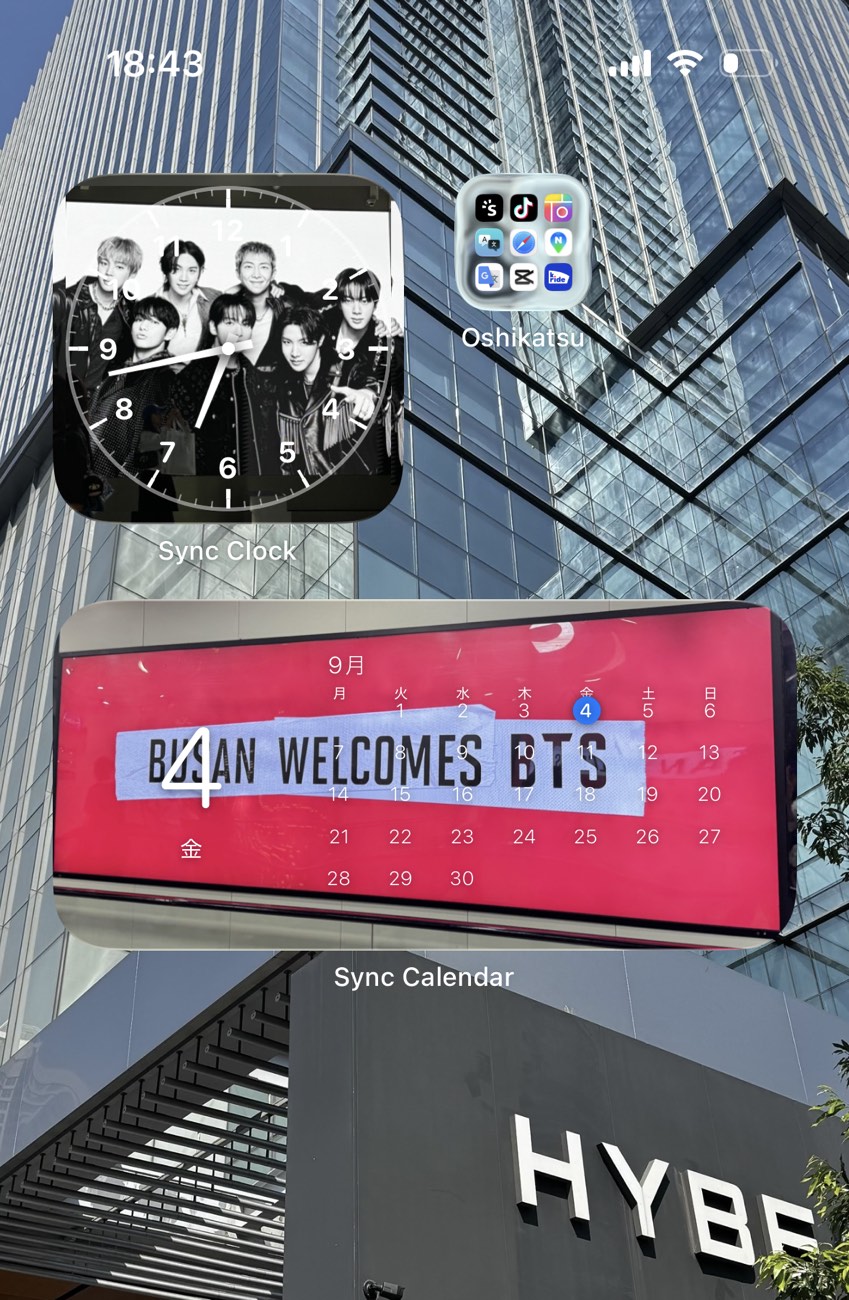
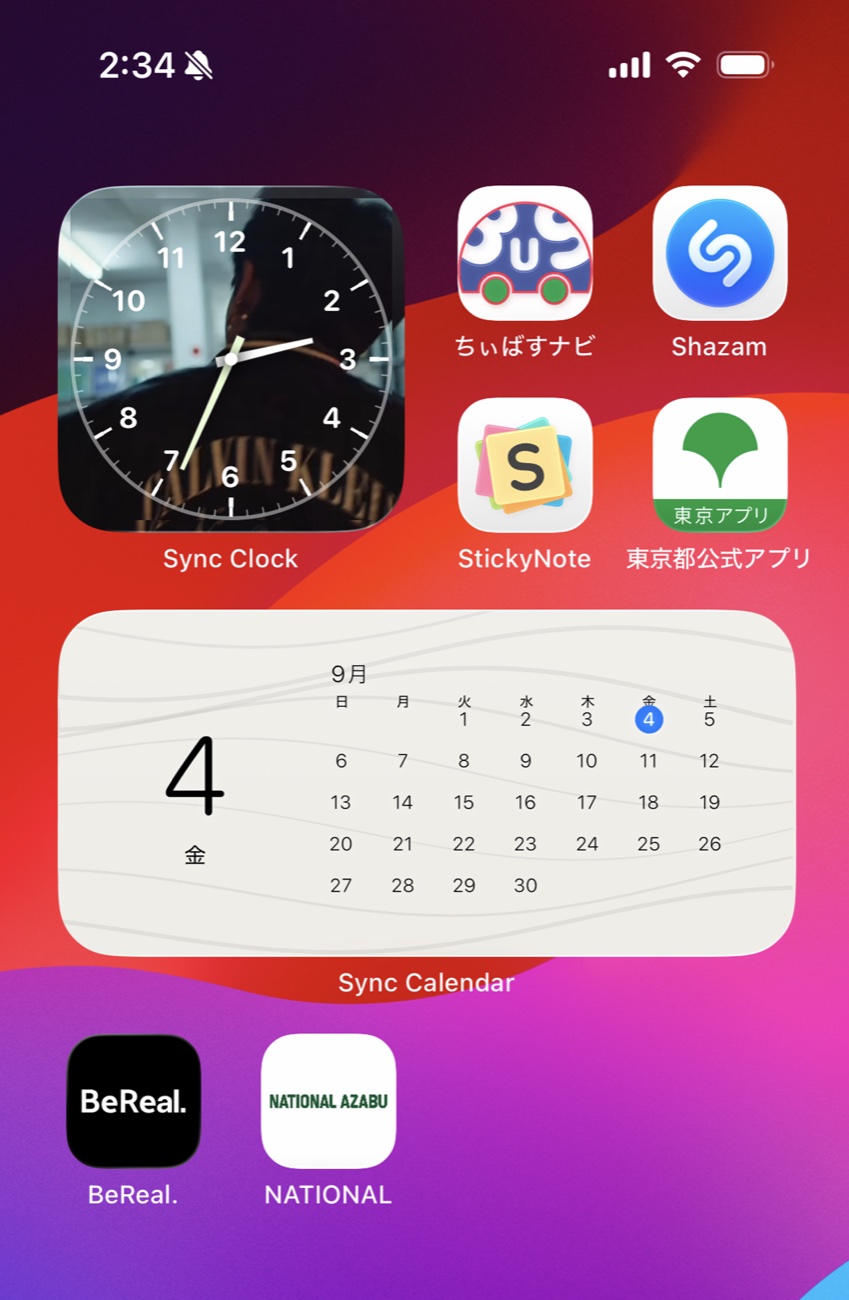
24-hour schedule
Set a photo for every hour, from midnight to 11 PM. Change it through the day, or keep one all day long.
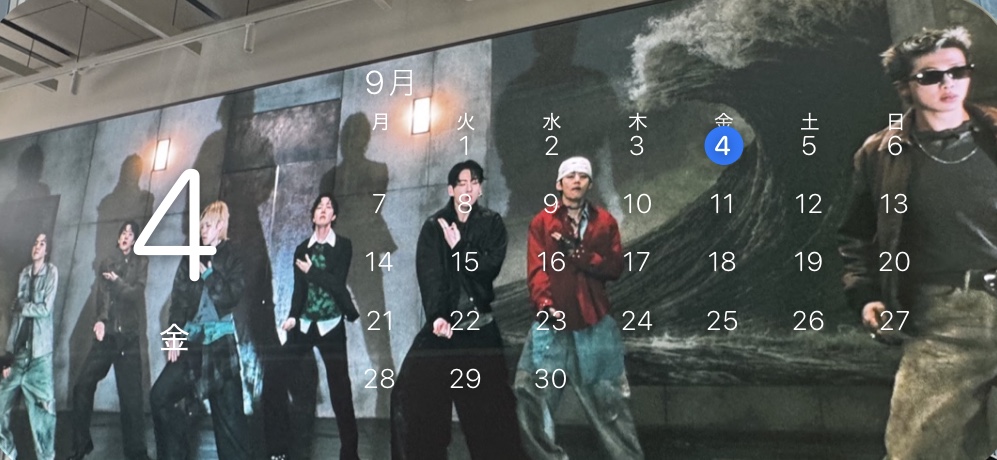

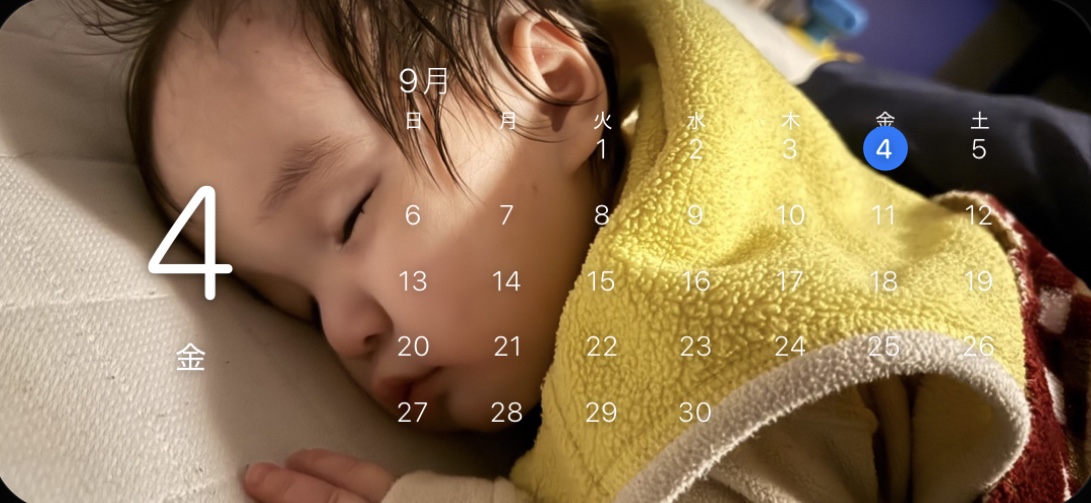
Shown from 6:00 to 11:00
Customize
Sync Clock
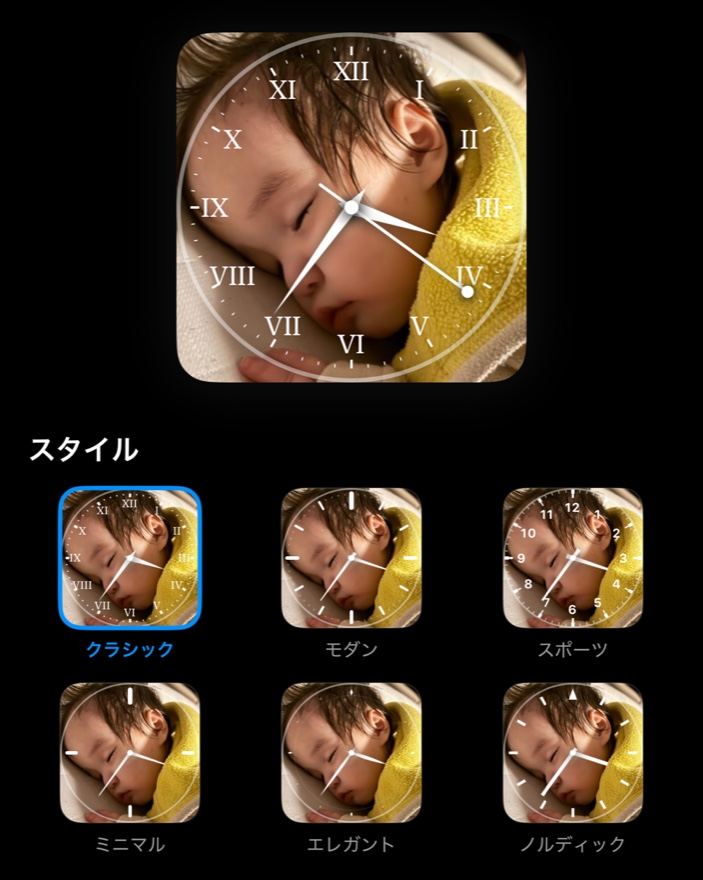
Choose from six clock faces, and recolor the hands and markers.
Sync Calendar
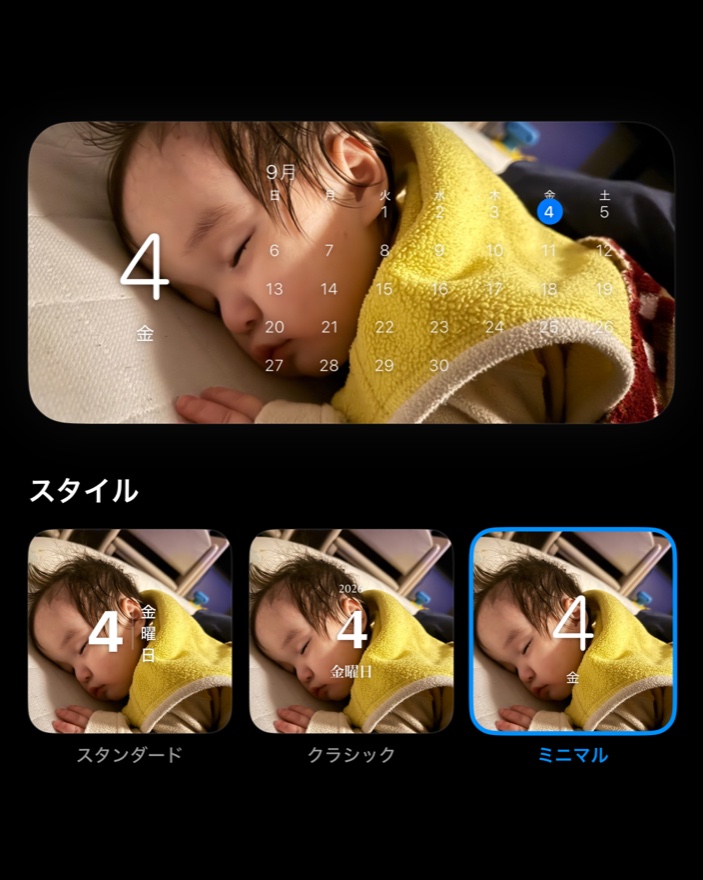
Choose from three styles, with a color for each day of the week.
Both apps
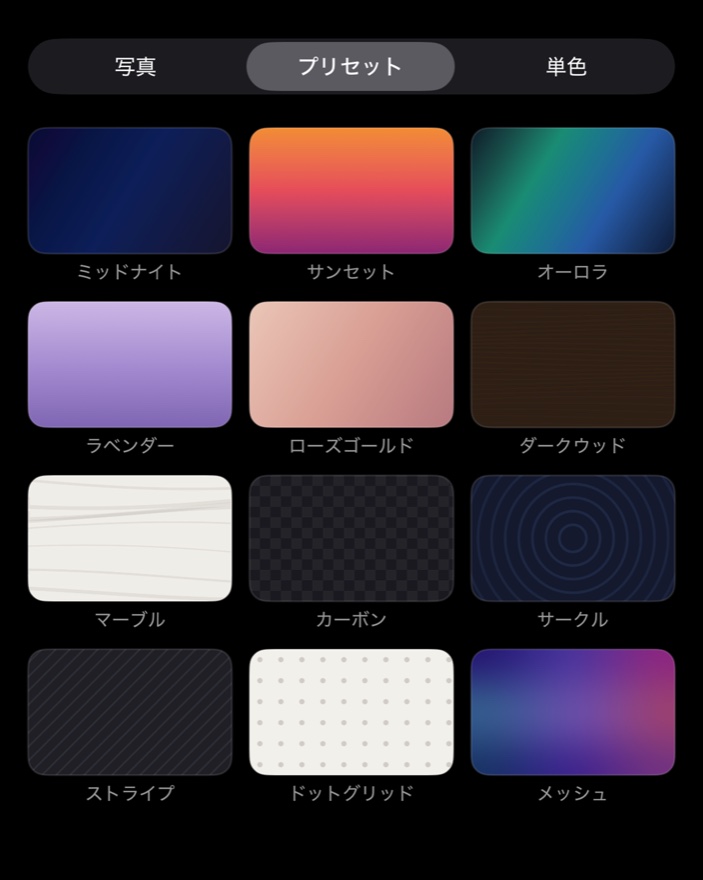
Use your own photos, or pick from 12 presets and solid colors.
Two apps
Sync Widget comes in two apps: Sync Clock and Sync Calendar. Each one works on its own.
Analog clock
An analog clock over your favorite photo.
Choose from six clock faces and recolor the hands and markers. You can also hide the second hand.

Calendar
Today's date and events, over your favorite photo.
Shows the date and a monthly calendar. Connect your iPhone Calendar to see today's events and which days have plans.
How it works
Choose any photo from your library and frame it the way you like.
Choose when each photo appears — hour by hour, or a whole time of day at once.
Add the widget, and your photos change automatically at the times you set.
Privacy
The photos you set are stored only on your device and are never sent anywhere. No account needed.
A clock or a calendar.
Make your Home Screen your own with Sync Widget.